Building Content Maker
Introduction
This page documents the build of Content Maker — an end-to-end workflow that generates a draft blog post (copy + hero image), stores the artifacts with a revision-friendly structure, and delivers a readable preview link back to Slack.
The goal for v1 is simple: let a user trigger “Generate”, get a high-quality draft quickly, and give the team an admin dashboard to browse outputs, iterate on revisions, and manage author/persona prompts as the product evolves.
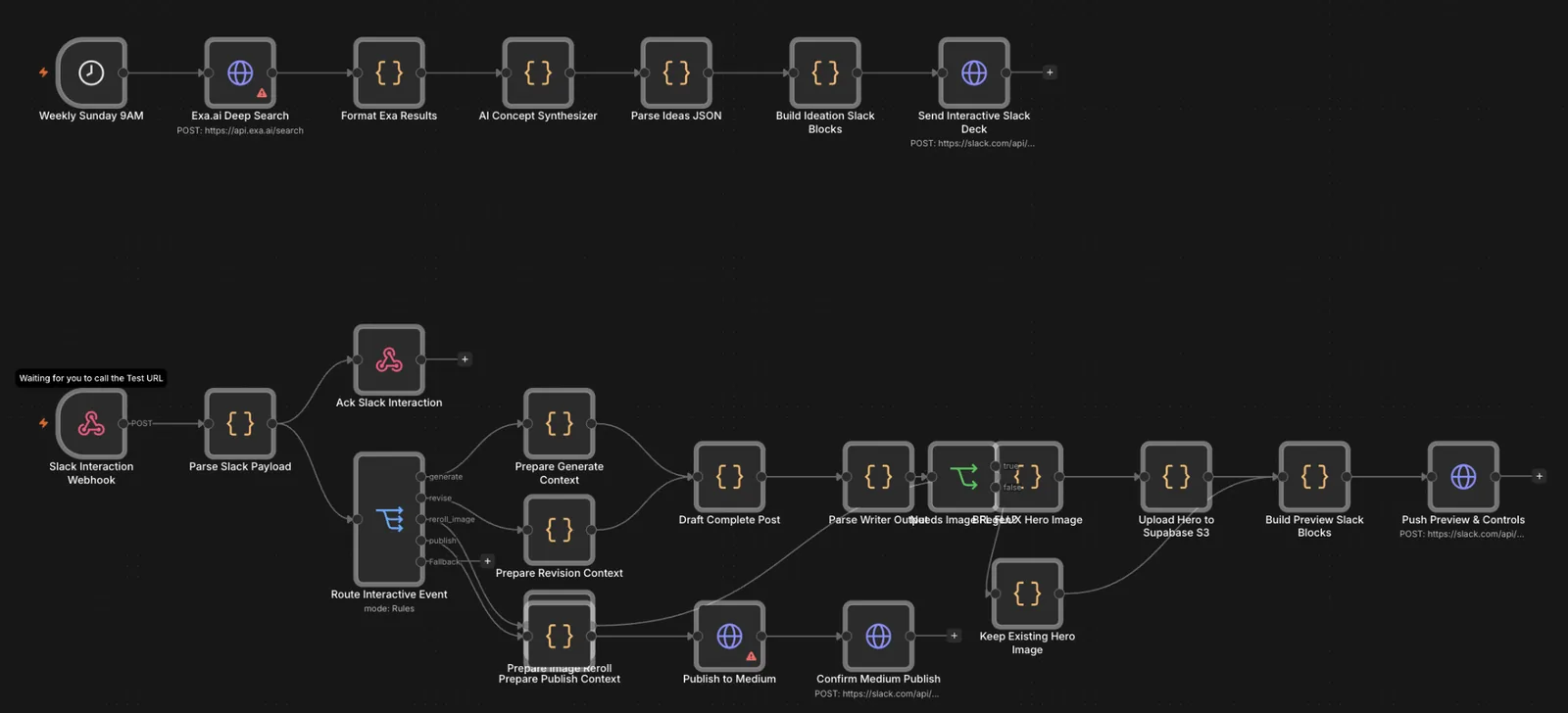
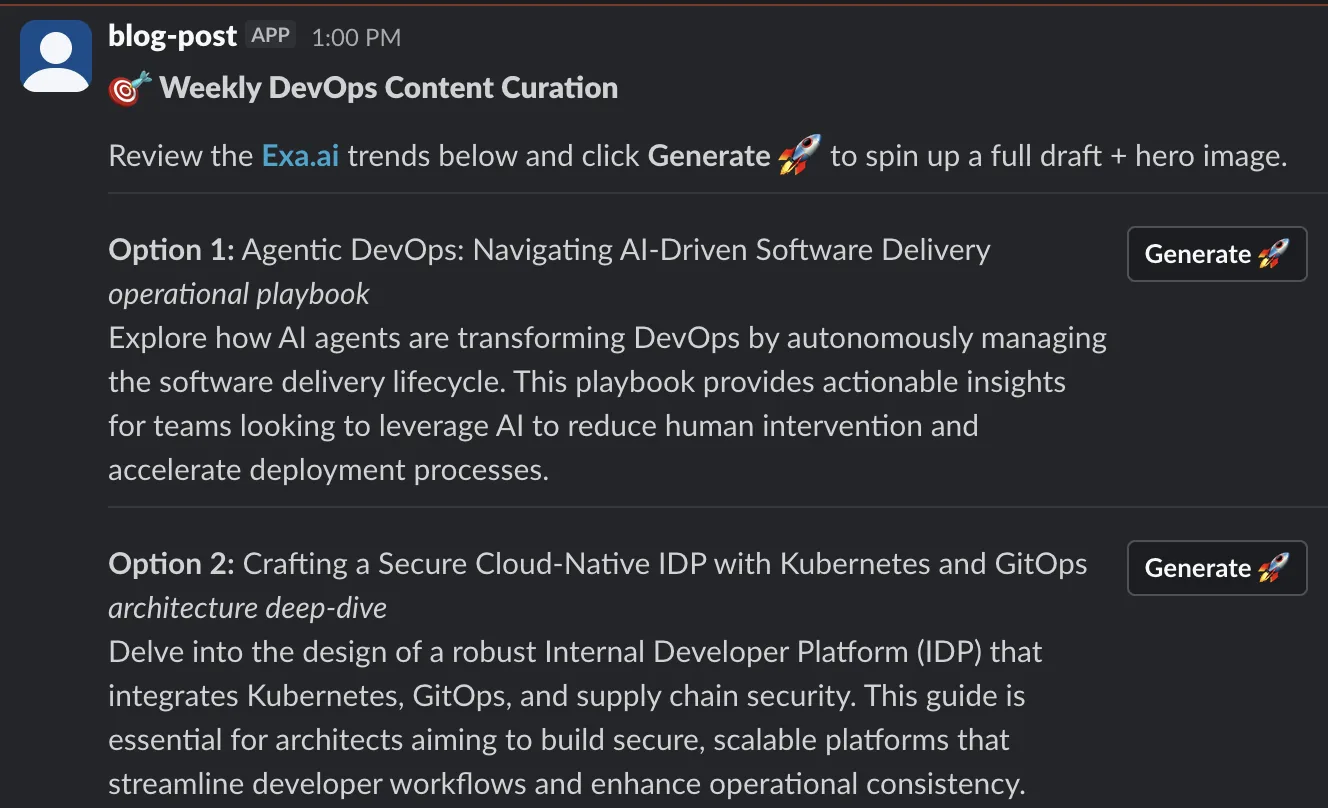
I used Gemini to create a boilerplate starter workflow for n8n. It created a very simple, basic flow with the relevant steps and integrations for Slack and BFL.
I had to create a Slack bot and add it to the channel — this bot enables communication between the user and the workflow.
The Slack integration did not work as expected, so I extracted it into a new workflow and iterated using Opus until the final code was working, then copied it back into the main workflow.
Moving on to the image-generation blocks, I ran into an issue with the BFL API response. The image was generated well, but uploading it to S3 was broken.
I am using Supabase and direct S3 credentials, and the original code used an aws/s3 package, which wasn’t allowed. So I replaced it with TypeScript code that uses a direct HTTP request to the Supabase API to upload the image. I also used ArrayBuffer to stream the file after discovering corrupted data using another method (WHICH ONE?).
Storage
dave-io-n8n/                      (bucket)
  {title-slug}/
    content.json                  ← title, markdown, imageUrl, concept,
                                    slug, sessionId, updatedAt
    images/
      hero-{timestamp}.jpg
I managed to run the flow and got the blog post content and image as I wanted, so I was happy that part was working well. The content was sent to my Slack bot, and then I wanted to run a revision for the image.
I figured it would be best to structure the storage in a non-flat way: a folder named with the blog post title, with the images and text content stored inside it. I also thought of adding revisions to the text content — the object was previously “upserted” into storage, so we didn’t have that. This would be nice to show in the dashboard I would build for this product later and learn from changes.
After the first run of the flow and receiving the image as a Slack message, I sent another request to refine the image using the company’s branding style. The response was not as expected, and Slack rendered the same image as before. It turned out that even though the new image was uploaded and delivered to Slack as a message, Slack was using a cache, so the old image was shown. To invalidate the cache, I added a timestamp to the image filename — which invalidates the cache.
end of working day - will continue tomorrow 🙂
Improvements
- Better Slack message (content rendered as Markdown excerpt).
- Better storage (consider using Postgres).
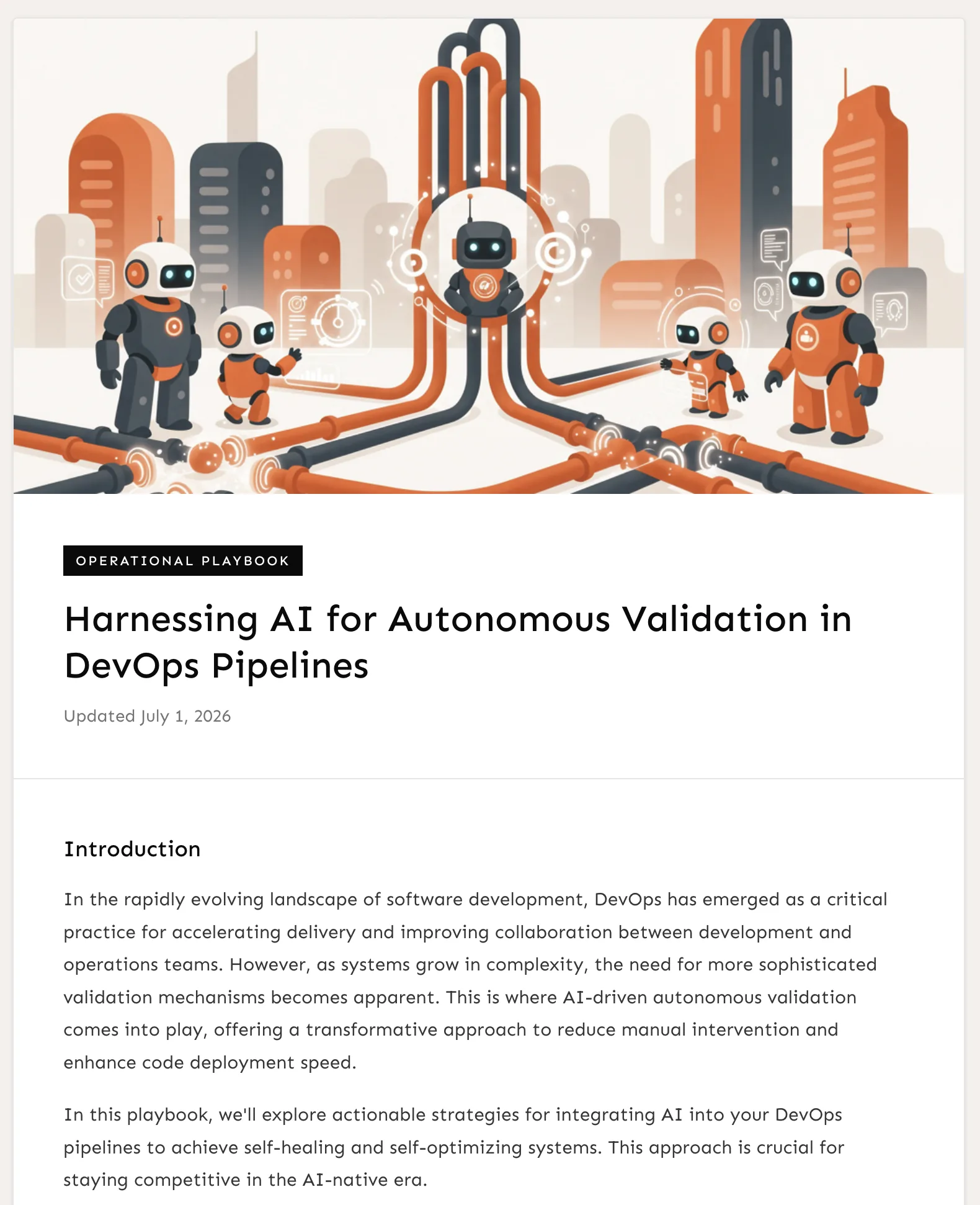
- Create a blog post preview page (on the website).
- Apply business branding for the image generation.
For the style and theme of the generated images, I took the style tokens from the company website dave.io and applied them as FLUX model instructions to the BFL API.
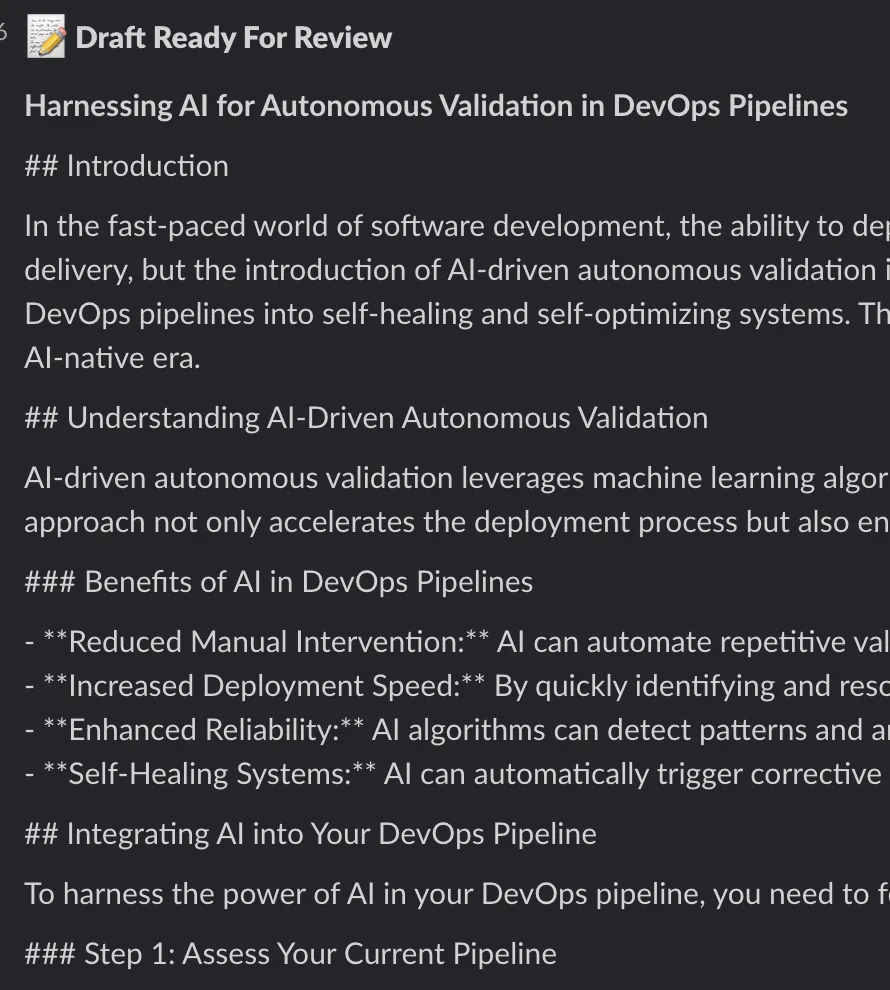
I figured that the rendered content in the Slack message wasn’t comfortable to read, so I want to improve that. I’m going to format the message using Slack’s specific markdown text and set up an HTML preview page for preview.
I found out that the response from Exa.ai returns 10 topic items, and Slack only sends 5 of them. So, to optimize, I changed the limit to 4 items per session. I also set up a Slack message as a response to the Generate button click, so the user knows it’s working.
I set up a new DB and tables for this workflow to store the blog post creations. Now I will create a dashboard page to view them.
Now I want to create a preview page under the main app that receives parameters in the URL and renders the preview. I set the Slack message to show only an excerpt of the generated content, and I attached the preview URL so the user can click and see a full blog post preview. I might want to keep this page simple — just a preview, without any interactions.
What’s left
What’s left to do for v1 of this product before delivering it is to create a proper admin dashboard that displays the blog posts.
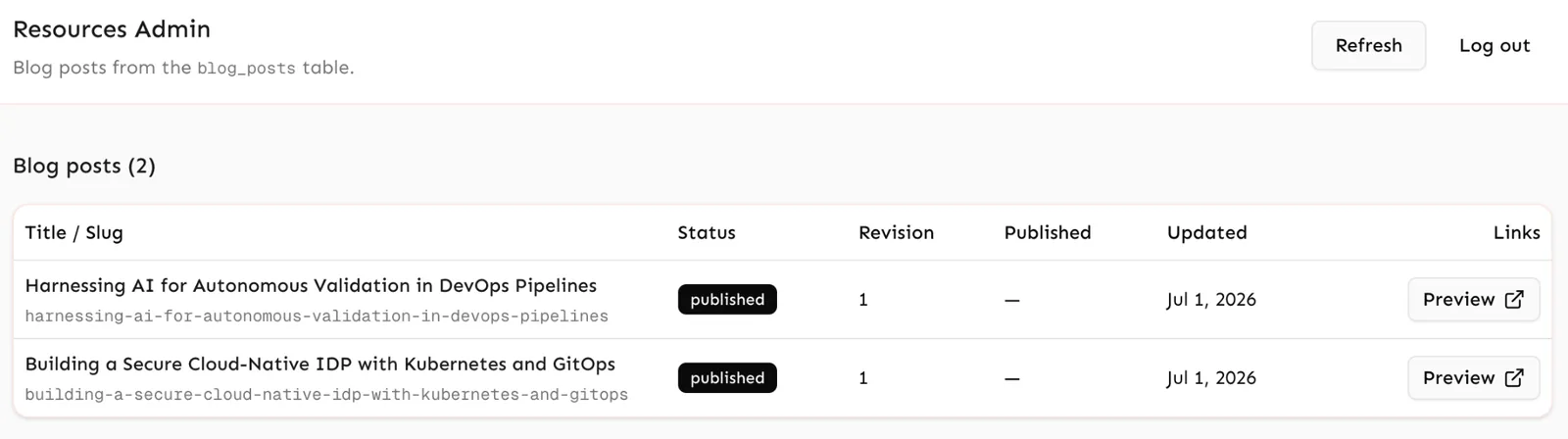
After a discussion with my client, they wanted to add three author personas for these blog posts. I will need to create a new table for the persona prompts, editable via the dashboard, so we can refine them as we grow — and also include them in the idea selection, where we can choose which author should write the post.
Conclusion
V1 of Content Maker is now an end-to-end loop: topic discovery and drafting, image generation, storage, and a Slack-first review flow with a shareable preview. The remaining work is to ship the admin dashboard (including persona management) so outputs can be reviewed, iterated on, and scaled into a repeatable content pipeline.